New Question Types: Pairing, Grouping & Hotspot
Classify, match, and point - three question types that test understanding, not just recall.

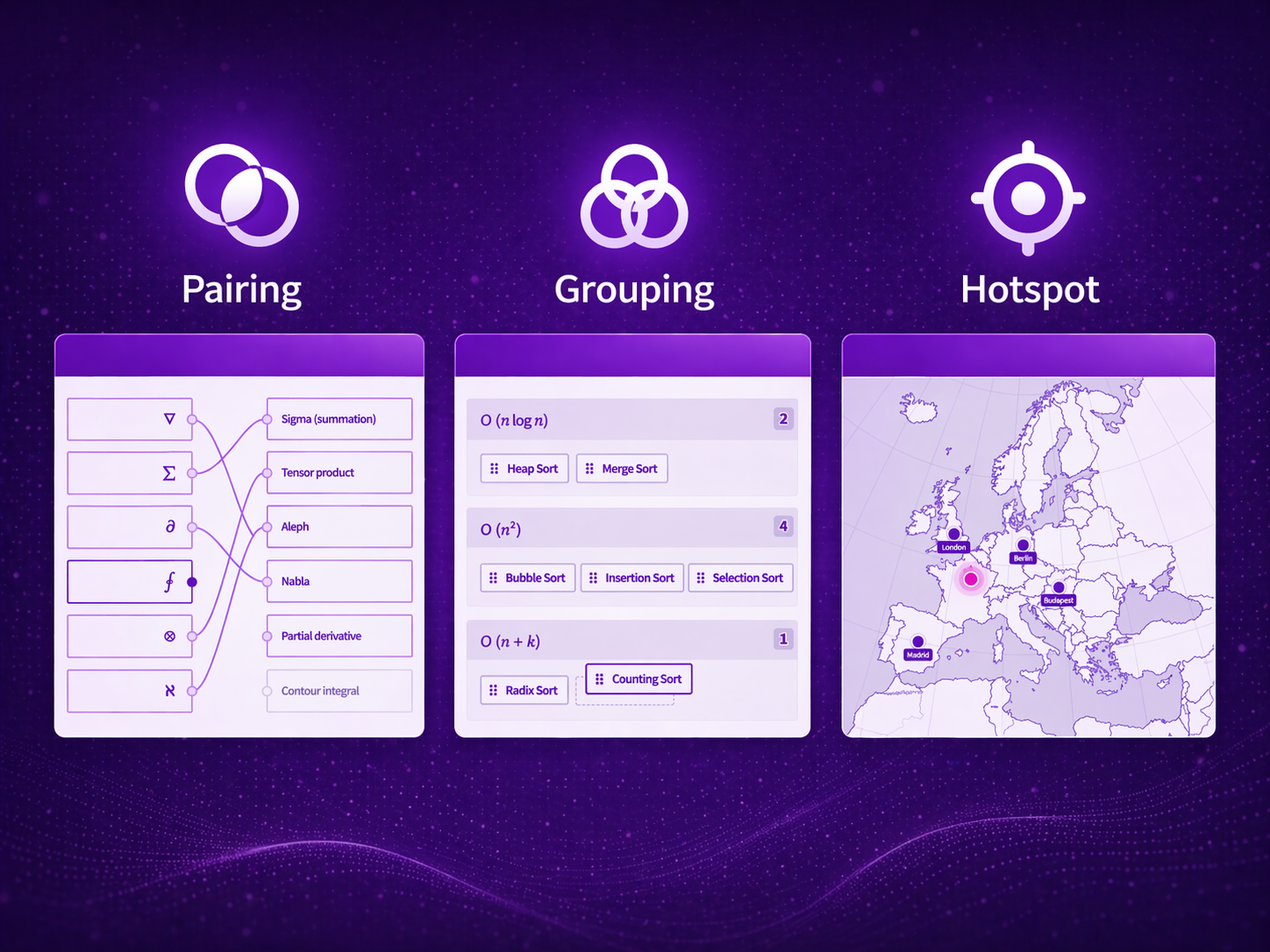
Multiple choice questions (MCQ) gets all the attention. It's easy to create, easy to grade, and easy to game. Real understanding, however, rarely looks like always picking option C.
When you actually know something, you can classify it, match related concepts, and identify things in context. That's what our three new question types are built for: Pairing, Grouping, and Hotspot.
They're now available in the UI, via API, and through our MCP server as well.
Pairing
Match items on one side to their counterparts on the other. Simple concept, surprisingly powerful.
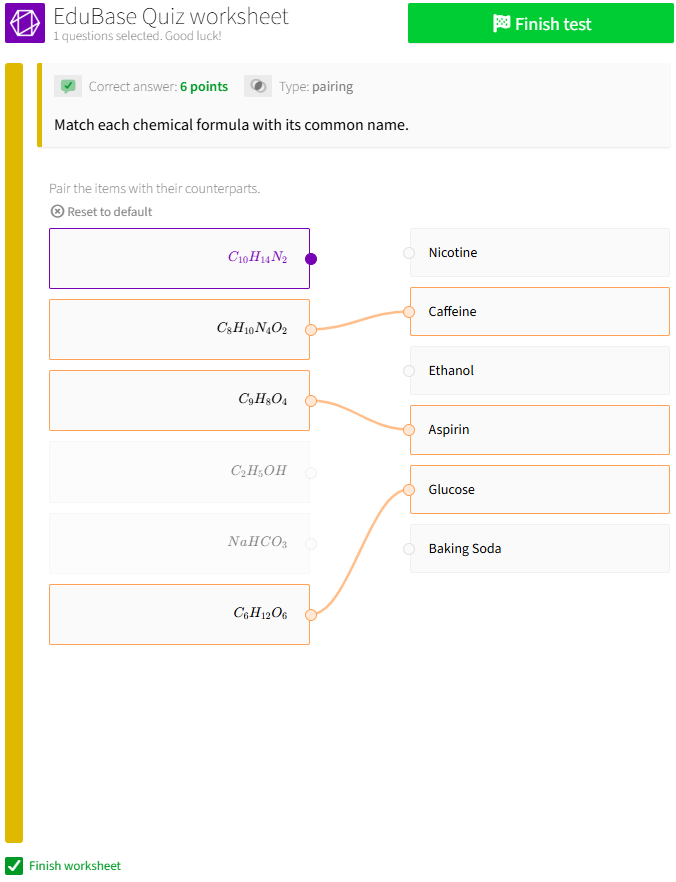
Here's a chemistry example, where you have to match each chemical formula with its common name:
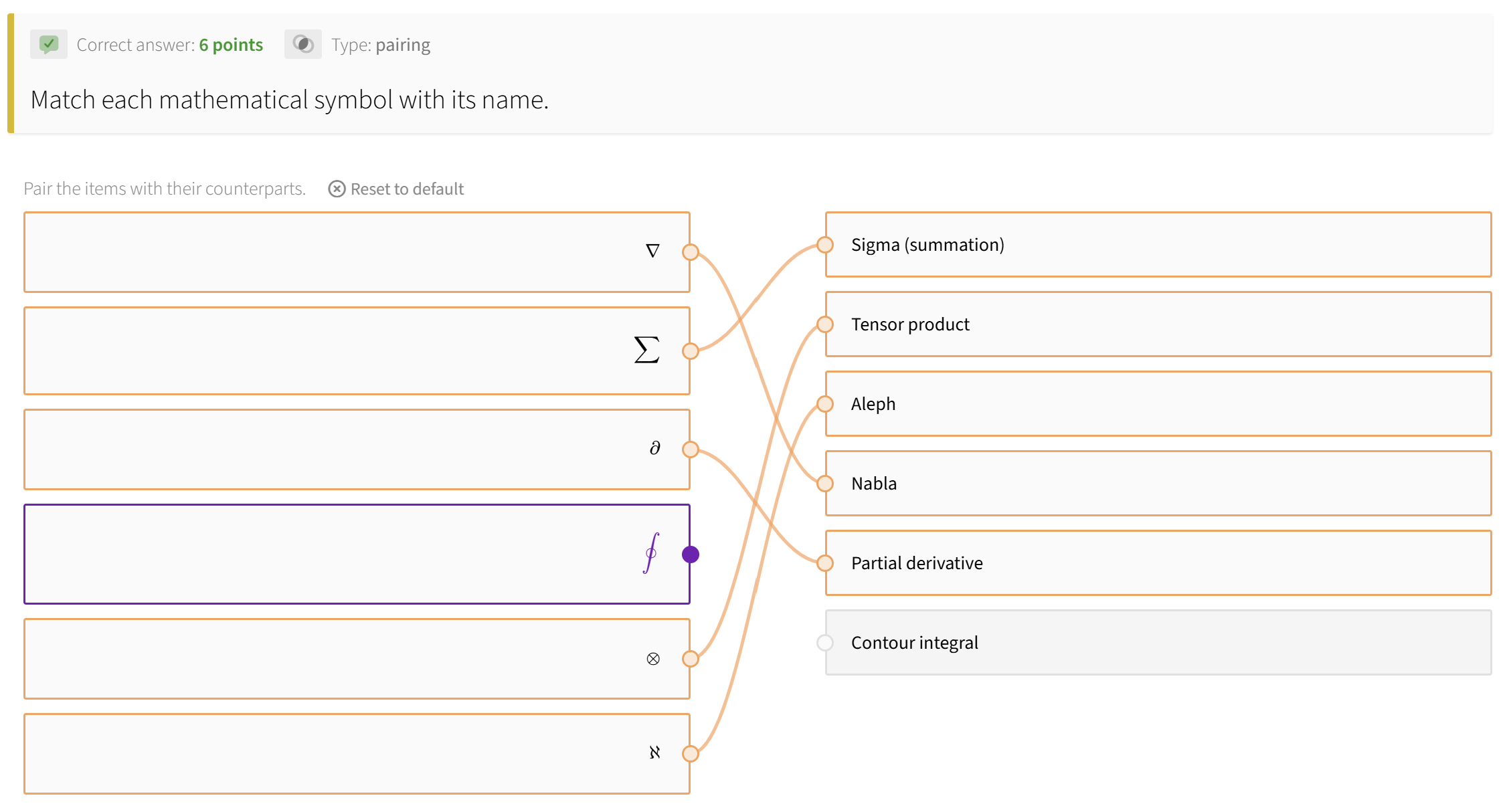
And one from mathematics - match symbols to their names:
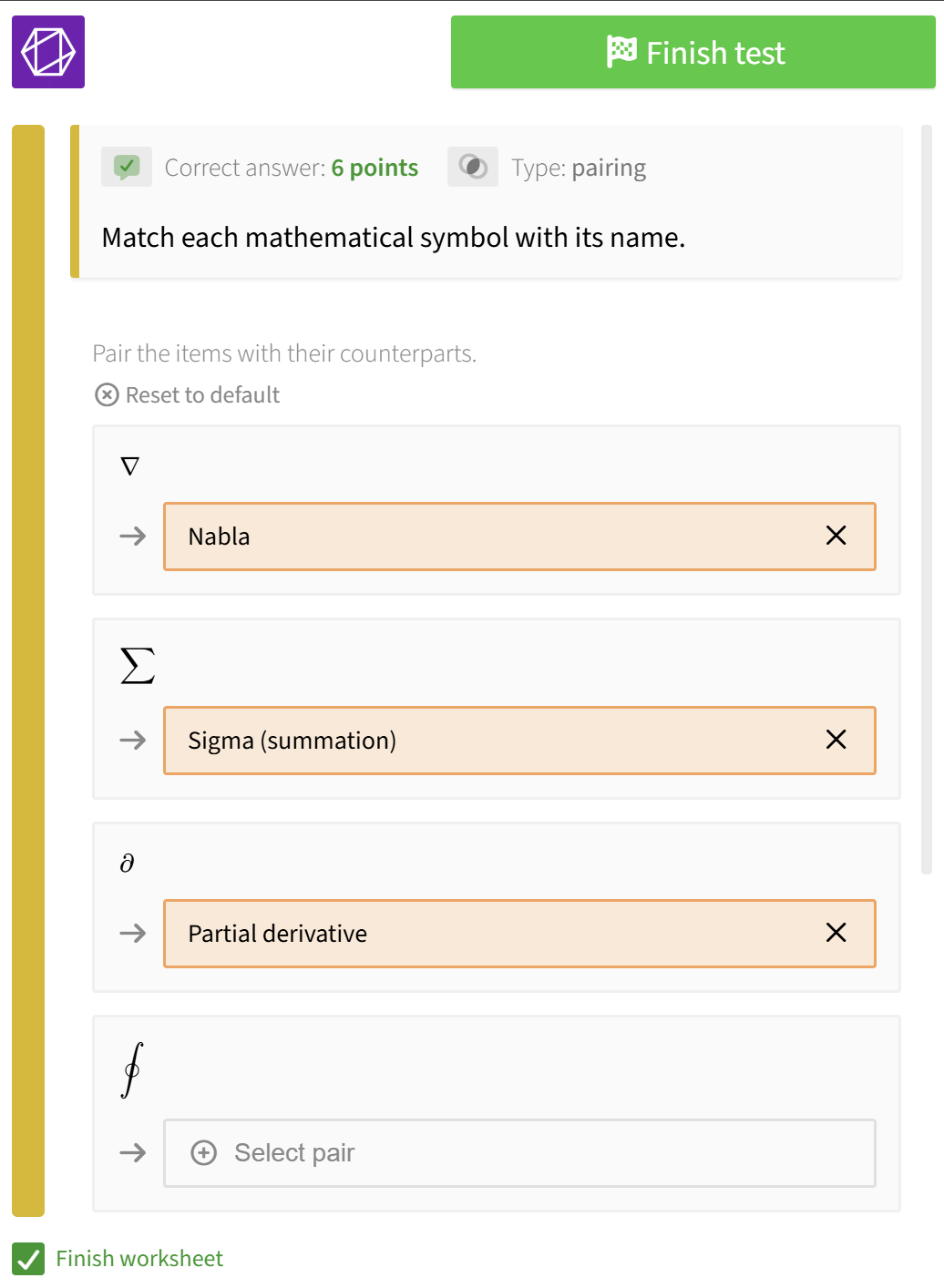
Or on mobile screens:
What makes this different from, say, a series of multiple-choice questions asking "What is ∇ called?" is that pairing forces you to hold the entire set in your head at once. You can't just recognize one correct answer - you have to make consistent assignments across all items. That's a fundamentally a more demanding cognitive task, and it maps much better to real-world knowledge.
Pairing questions support LaTeX rendering too, so even technical notations, chemical formulas, and scientific and mathematical symbols display correctly - no workarounds, no ugly screenshots of pixelated equations.
Grouping
Assign items to predefined categories. Think classification, sorting, taxonomy and the likes. Any task where items belong to groups.
Chemical elements by their state of matter at room temperature:
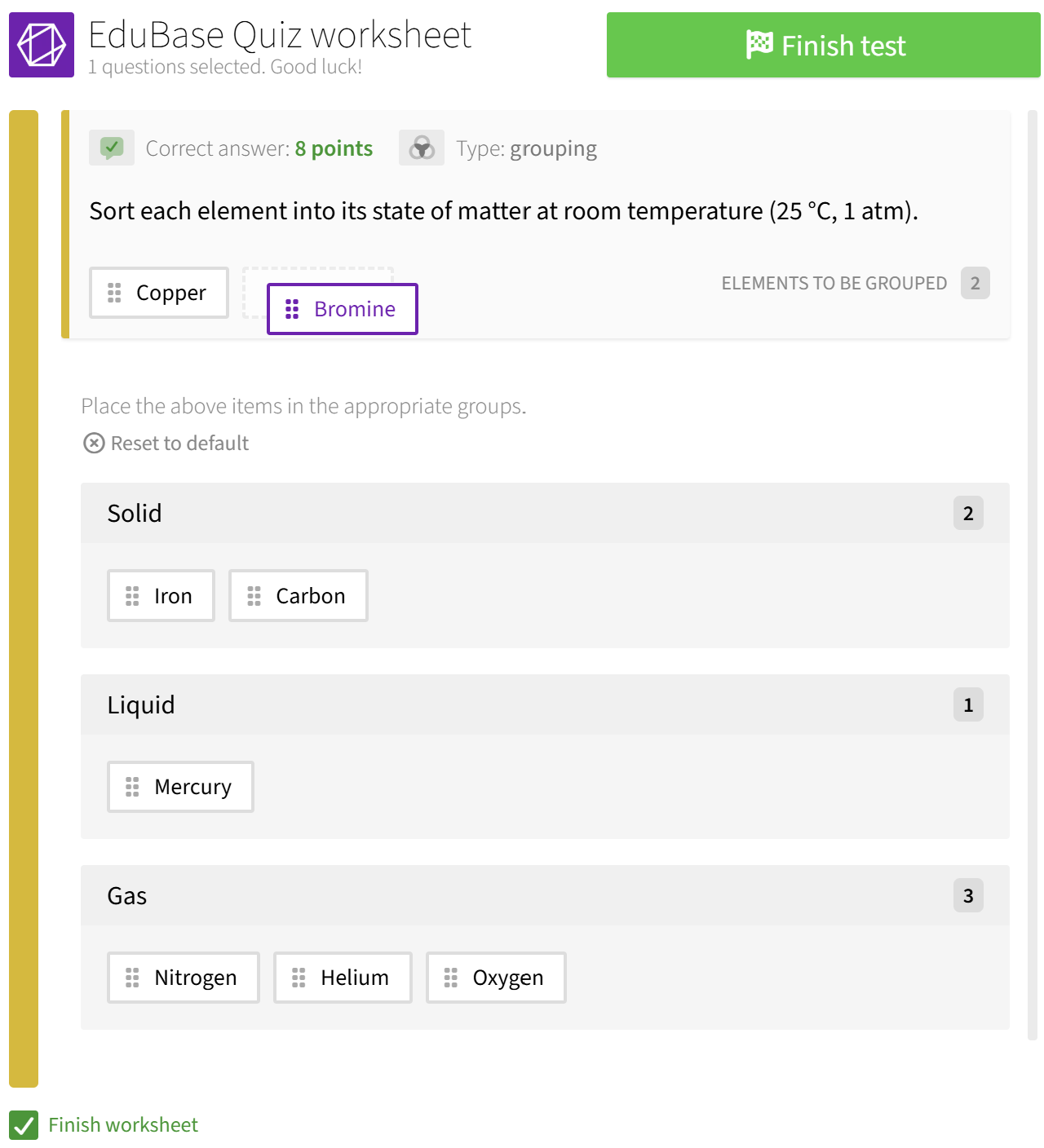
The results are shown on the UI as below:
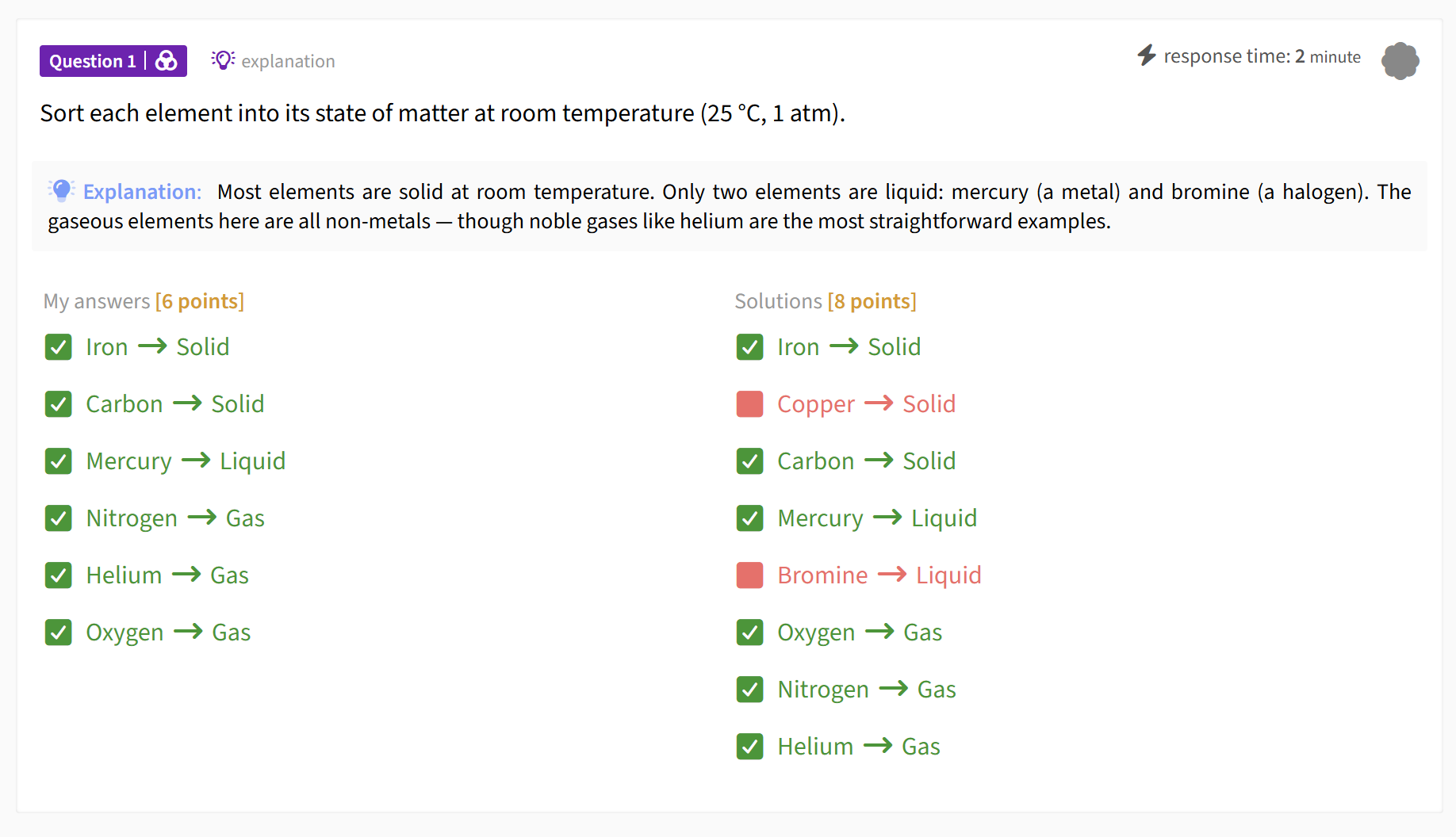
Sorting algorithms by worst-case complexity:
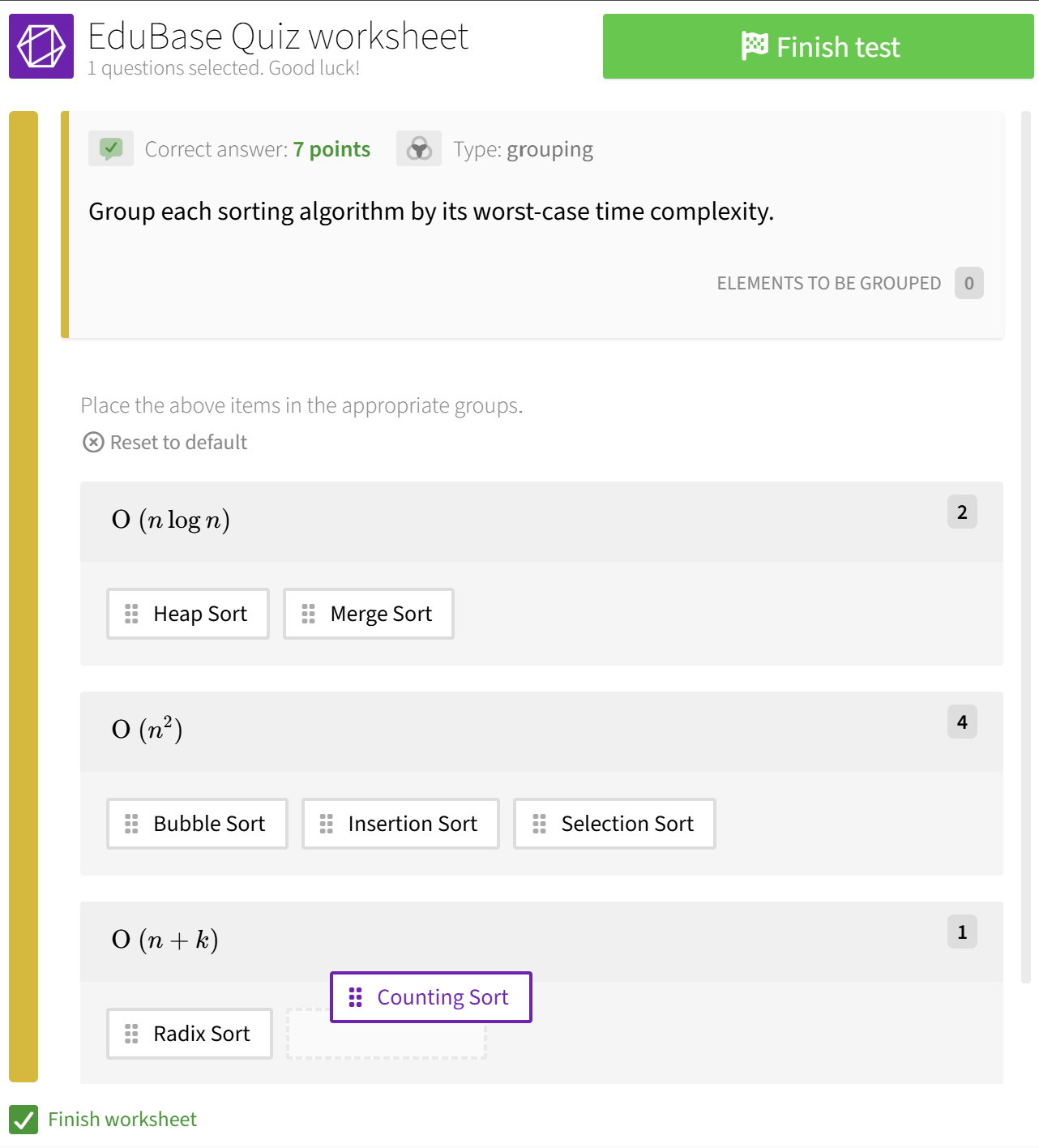
The cognitive challenge increases with the number of items and groups, so a single grouping question can replace a whole block of true/false questions, all while testing deeper understanding.
This question type is especially interesting for compliance and professional training. Think: classifying transactions as suspicious vs. legitimate (AML training), sorting data into GDPR categories, or assigning safety procedures to the correct hazard type. These are real-world classification tasks that people actually need to perform on the job.
Hotspot
Mark specific areas on an image. Point to the right component on a circuit diagram. Identify a country on a blank map. Click the correct organ in an anatomy illustration. The possibilites are literally endless here.
A blank map example could look like this:
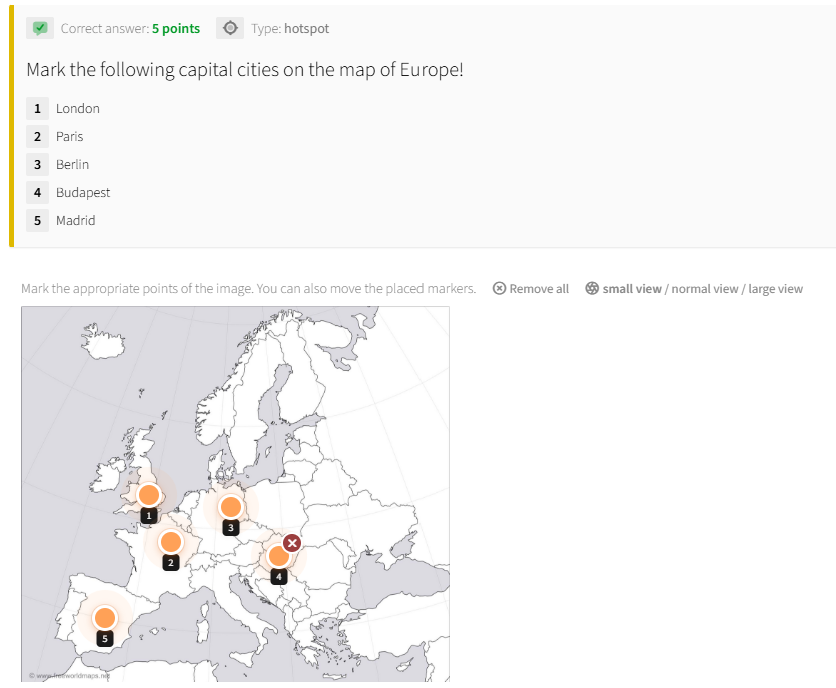
With results shown like this:
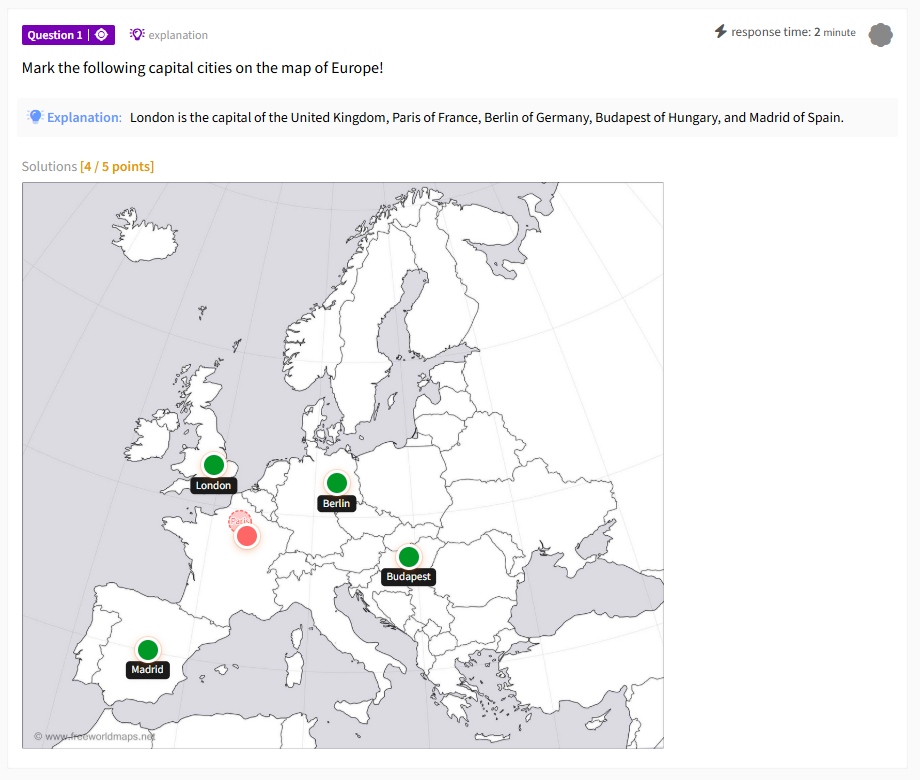
Hotspot questions bring spatial reasoning into digital assessment - something that's been notoriously difficult to do well in an online setting. You define zones on an image, and learners place markers in the correct areas.
This type is particularly valuable for fields where location matters: anatomy, geography, engineering diagrams, UI design, lab equipment identification, architectural plans. These are tasks that simply cannot be reduced to text-based questions without losing what makes them meaningful.
Hotspot zones are easiest to define in the EduBase question editor, where you can draw them visually as either circles or rectangles. Once defined, they can be replicated and adjusted via the API - useful for creating variants or managing questions at scale.
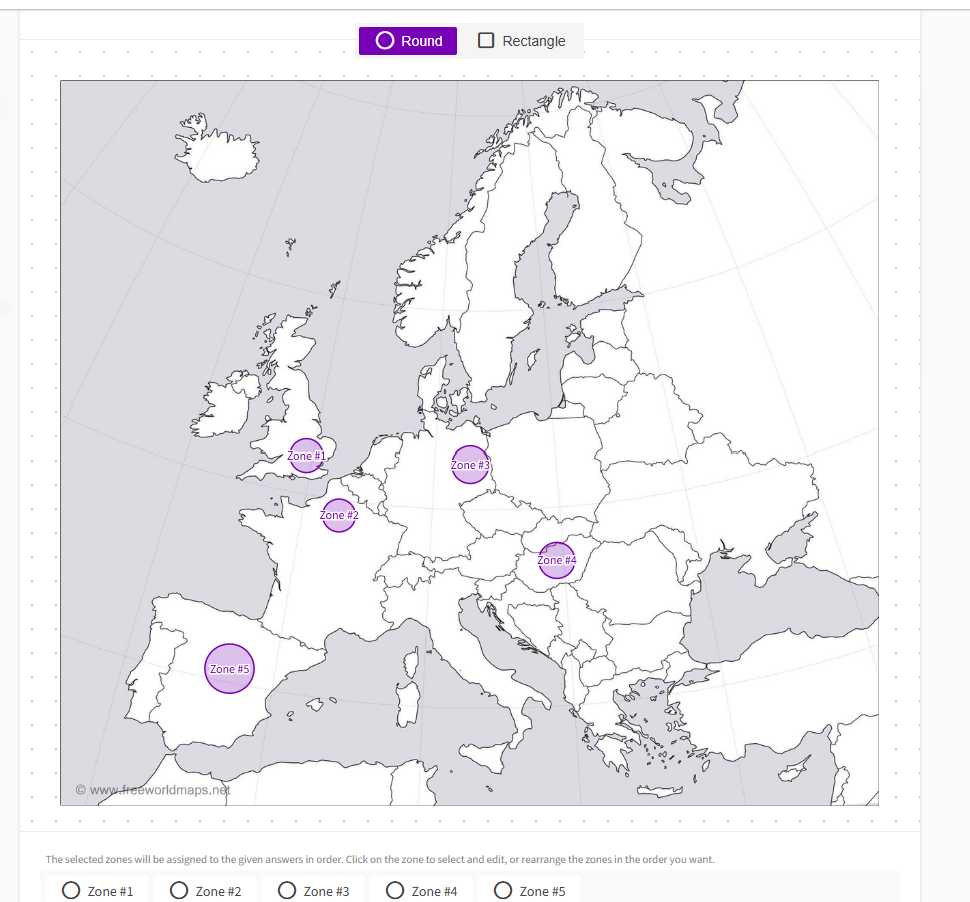
Note: Hotspot questions require specific account permissions. Get in touch if you'd like to enable them for your organization!
All Three, Everywhere
These are not UI-only features. Pairing, Grouping, and Hotspot work across every EduBase interface:
- Quiz editor - create and preview visually
- API -
POST /questionwithtype=pairing,type=grouping, ortype=hotspot - .edu files - text-based, version-controllable, bulk-uploadable
- MCP server - describe the question in natural language and let AI handle the rest
- Excel upload - for batch creation
They also inherit everything you'd expect from EduBase questions: partial credit scoring, penalty configurations, hints, solutions, categorization, tagging, and so on.
Why These Three, Why Now
We've always had more question types than most platforms - like the expression evaluation, matrices, ordered sequences, sets. But pairing, grouping, and hotspot fill a gap that kept coming up in customer conversations with educators and training managers.
They're also particularly well-suited for AI-generated content. When an agent reads a chapter and creates assessment questions via our MCP server, grouping and pairing questions emerge naturally from the structure of the material. Categories in a textbook become grouping questions. Term-definition pairs become pairing questions. Labeled diagrams become hotspot questions. The mapping is intuitive - for humans and for AI.
Try Them Out
All three types are available now. Log in to your EduBase account and try them in the question editor, or create them via the API.
New to EduBase? Register for free and explore.
Questions? Reach out at info@edubase.net.